Unique Features.
Unparalleled Power.
Introducing Concept Processing
Praxis EMR is based on a simple premise: Medicine is an art.
This means that no two providers practice medicine the same way. However, each provider sees some cases more often than others.
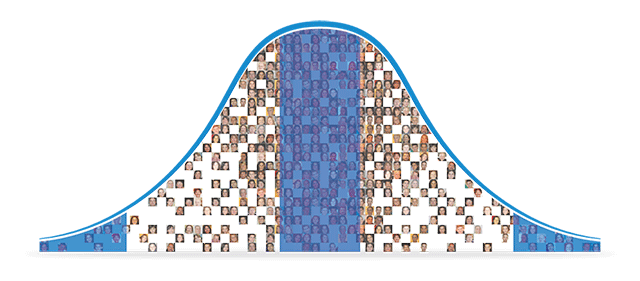
When viewing the frequency distribution of a provider's case types, we see a familiar bell-shaped curve.
Medicine as an art together with your own bell-shaped curve are the foundations of Concept Processing, the AI technology inside Praxis that learns from you.
With Praxis, you get the freedom to chart in your own words with your own style. You practice medicine your way instead of impairing your quality with templates.
Smartest Agents in the World. Work for you.
Praxis Agents are smart messengers that communicate on your behalf. Agents appear when you need them and know where to go and what to do. And, they learn progressively from you. Automate timely reminders and events with your clinic and colleagues and engage patients with secure email and portal.
The more Praxis Agents you have working for you, the more automated your clinic becomes.

Powerful Practice Guidelines & Queries
The future of query is here.
Streamline MACRA and PQRS reporting with the most powerful Practice Guideline and Queries in medicine. Many providers get Praxis for this reason alone. Templates limit your queries; if the system is not pre-set, you are lost. Praxis allows you to work prospectively and query any clinical parameter you wish. Score 100% (or close) in attestations and quality reporting with ease.
Revolutionize your practice with customized population management and health maintenance.
Intelligent Practice Advisories
Decision support. Just when you need it.
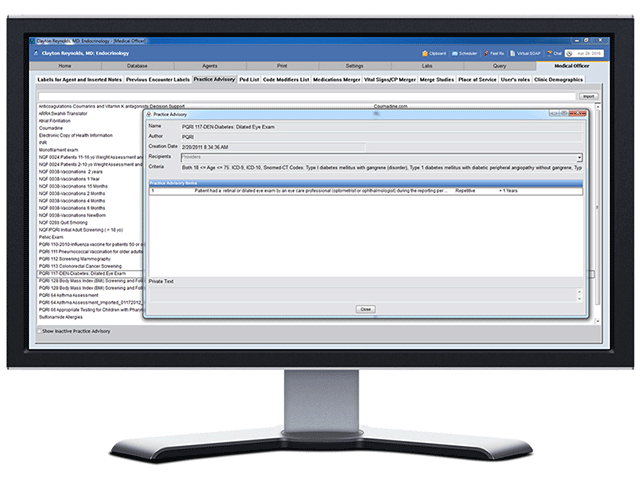
You wish to practice the highest quality medicine possible. The Practice Advisories inside Praxis enable just that. Practice Advisories provide just-in-time medical advice, decision support, even entire treatment protocols, at the point of care. And, you can create and modify Practice Advisories on the fly. No template based system allows this.
With clinical Practice Advisories, you have a trusted advisor looking over your shoulder, for lifetime.

Write in Real language. Praxis Reports Automatically.
Datum+™ makes reporting easy and natural. Instead of adding useless text to templates, Praxis embedds discrete data inside your own text. Seamlessly create, store, and share any clinical parameter you wish. This satisfies MACRA and Physician Quality Reporting (PQRI), Meaningful Use, P4P, and evidence based medicine initiatives.
You are not a data-entry clerk. Write it once and Praxis reports forever.
The Knowledge Exchanger
Get Knowledge at your fingertips.
The Praxis Knowledge Exchanger™ enables you to use the knowledge of your colleagues and share knowledge with your peers. You choose what medical knowledge you want to incorporate. Import knowledge in your specialty for a rapid start-up or take your charting to a higher plateau. You're in control.
Now Praxis is faster than ever to get started.
PraxDocs Document Manager
Your paperless office awaits.
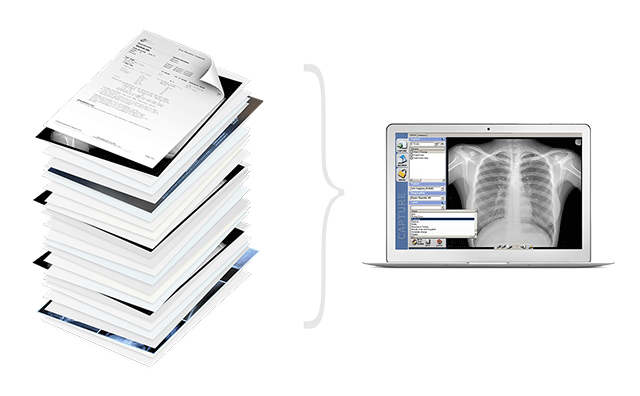
PraxDocs is a complete scanning, imaging and archiving center inside Praxis that takes your office paperless. All paper charts, scanned documents, faxes, in addition to electronic files (PDF, DOC, JPG, etc.) are imported digitally.
Archive everything with PraxDocs.
The Most Powerful Research Tool in Medicine.
Your own private research center.
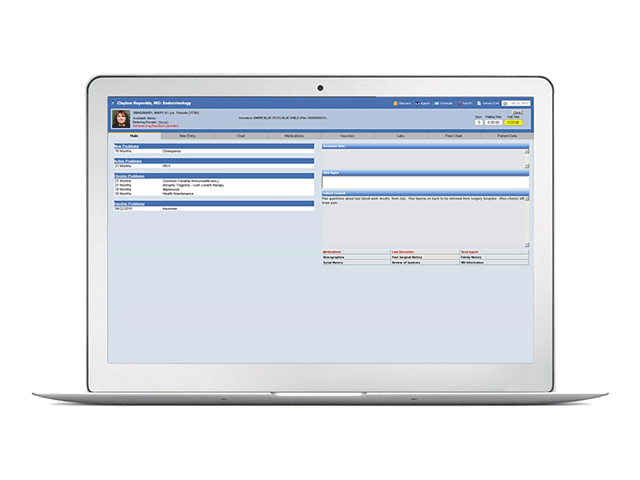
Interested in population health or clinical research? The Praxis DataMiner™ is the best research tool in medicine. Instantly query any information from your patient population. Choose pre-existing queries or ask your own questions. Praxis is perfect for implementing advances in health maintenance, clinical studies or drug trials.
The possibilities are endless.
Integrated Patient-Provider Portal
The only Portal that saves you time.
Not wastes it.
As Praxis automates your workflow, it automates the Patient Portal as well. The Concept Processor inside Praxis automatically customizes health maintenance at the portal given each patient's condition. Communicate, educate, and better engage your patients with no effort. Streamline intake and consent forms, embark on online queries and studies, and improve patient experience and outcomes.
Most portals waste your time. The Praxis Portal saves it.
Optimize Coding.
Maximum reimbursements. Avoid Insurance Denials.
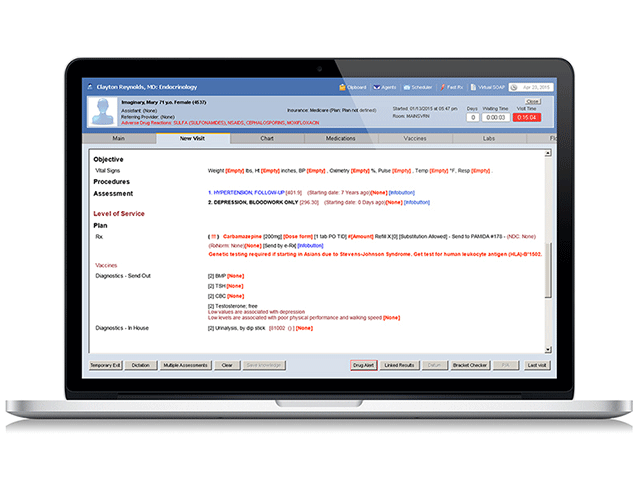
With the PraxCoder™, you will never under-code again. Even better, Praxis is the only EHR that protects you against illegal up-coding. The PraxCoder walks you through the entire chart and outlines what must be completed during the H&P to attain the optimal reimbursement you deserve. Template EHRs clone charts and documentation which is a Medicare violation.
If there were any one reason to use Praxis EMR, this is it.
Learn how Praxis enables you to Avoid Medicare Denials and Illegal Upcoding
Personalize care.
Less time charting. More time caring.
Are your patients satisfied after each visit? Praxis insures that they are.
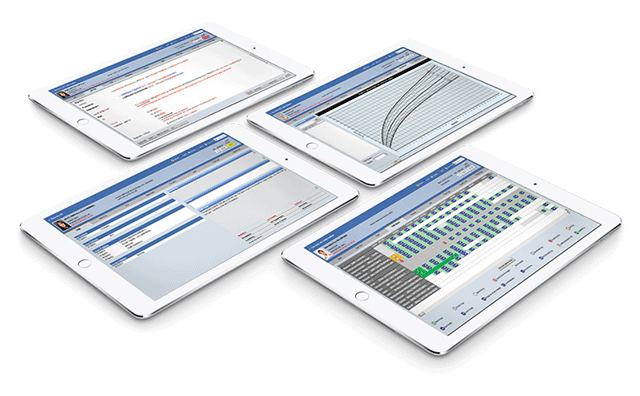
Praxis EMR lets you chart naturally so you have more time to engage, interact and make eye contact with your patients. No more endless typing, clicking or swiping. No more templates.
Communicate naturally; more like a human and less like a robot. All this means you'll leave your patients feeling satisfied.
Get back your bedside manner with Praxis.
If there were any one reason to use Praxis EMR, this is it.
More Industry Leading Features From Praxis
Need any more reasons to use Praxis EMR Today? Praxis has unique features that no template EHR has. We've only scratched the surface.
Cloud Based. Wireless and mobile ready.
Praxis EMR's template-free charting frees your mind from the confines of templates. Now, the Praxis Cloud frees your practice from the confines of your office. The Cloud lets you access Praxis from anywhere, anytime, on your favorite computer; tablet, laptop, iPhone, iPad, or any handheld device. Never maintain another server. You and your staff have 24-hour secure online access from anywhere in the world.
Your practice becomes completely paperless, and mobile. The interface is flawless and the set-up is simple.
E-Prescribing with SureScripts.
Praxis EMR's eRx is direct through SuresScripts and puts you in control. Your refill requests are automated, and new prescriptions are routed directly to the pharmacy before a patient leaves your office. Refill authorizations- or denials- are sent electronically to the pharmacy, thereby eliminating the faxes and phone calls associated with the traditional refill process.
Through the Surescripts network, you can electronically and securely exchange prescription information virtually all pharmacies throughout the United States.
Two way integration with labs. Easy orders and fast results.
Praxis allows you to send lab orders and receive results directly. Because the lab orders are linked to the Concept Processor, all your orders are sent automatically whenever you approve a note. Results arrive automatically to Praxis and wait in your lab inbox as well as the patient chart.
Work with as many reference labs as you like. Never miss another result again.

Better Medicine
Praxis grows with your knowledge, and learns just as fast as you do! The Concept Processor is nothing short of amazing.

Faster Charting
Praxis not only allows us to practice individually, but allows us to communicate with one other. We learn how each one of us manages patients and sees the system.

Incredible Flexibility
Praxis paid for itself in less than a year, and has now paid for itself over and over again!.... It makes my patient visits faster and helps reduce my liability.

Multiple Coding
With Praxis, I even have the freedom to create my own report model for Gastroenterology, using my own words, how I think, and how I practice medicine.